Scrappy
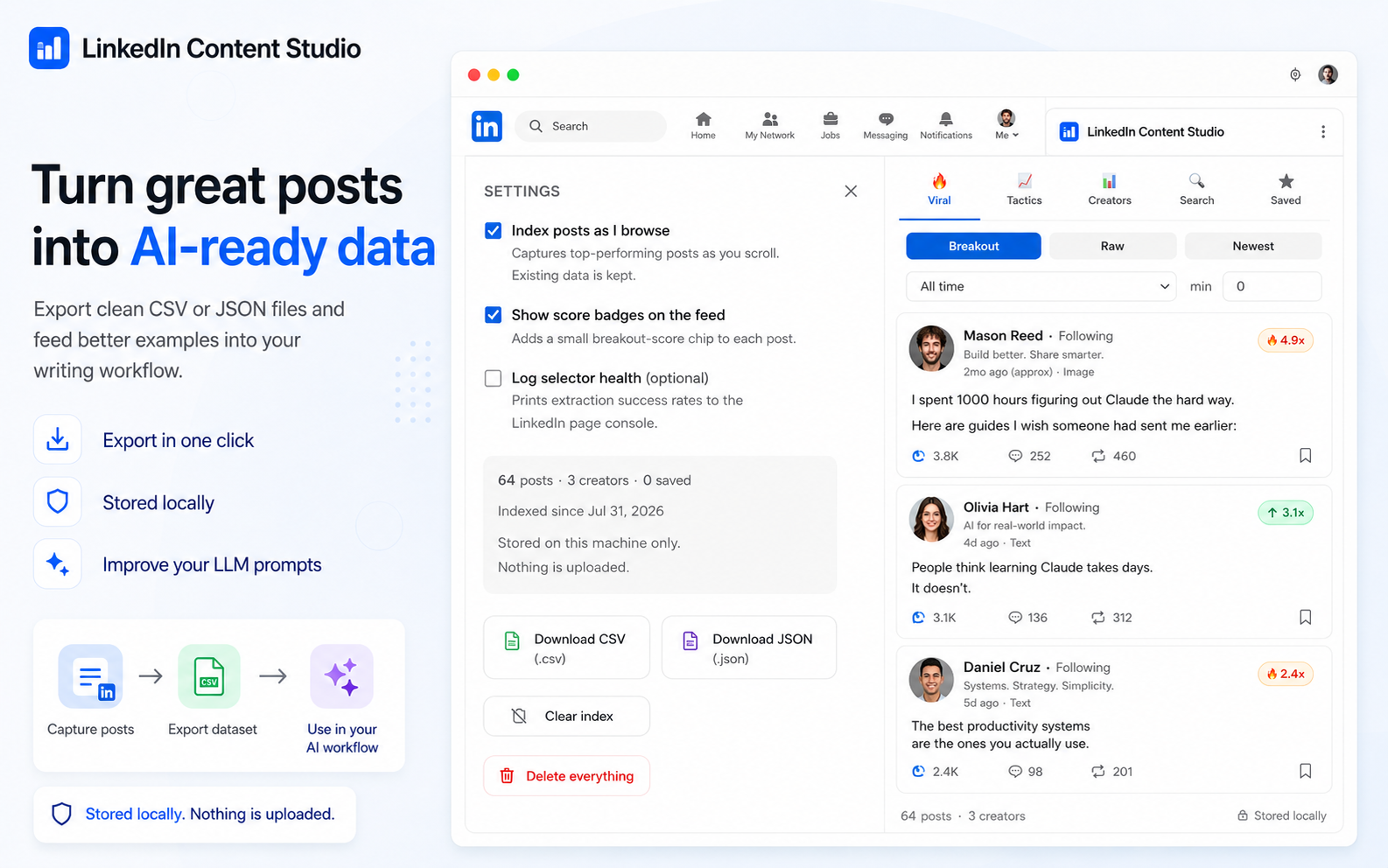
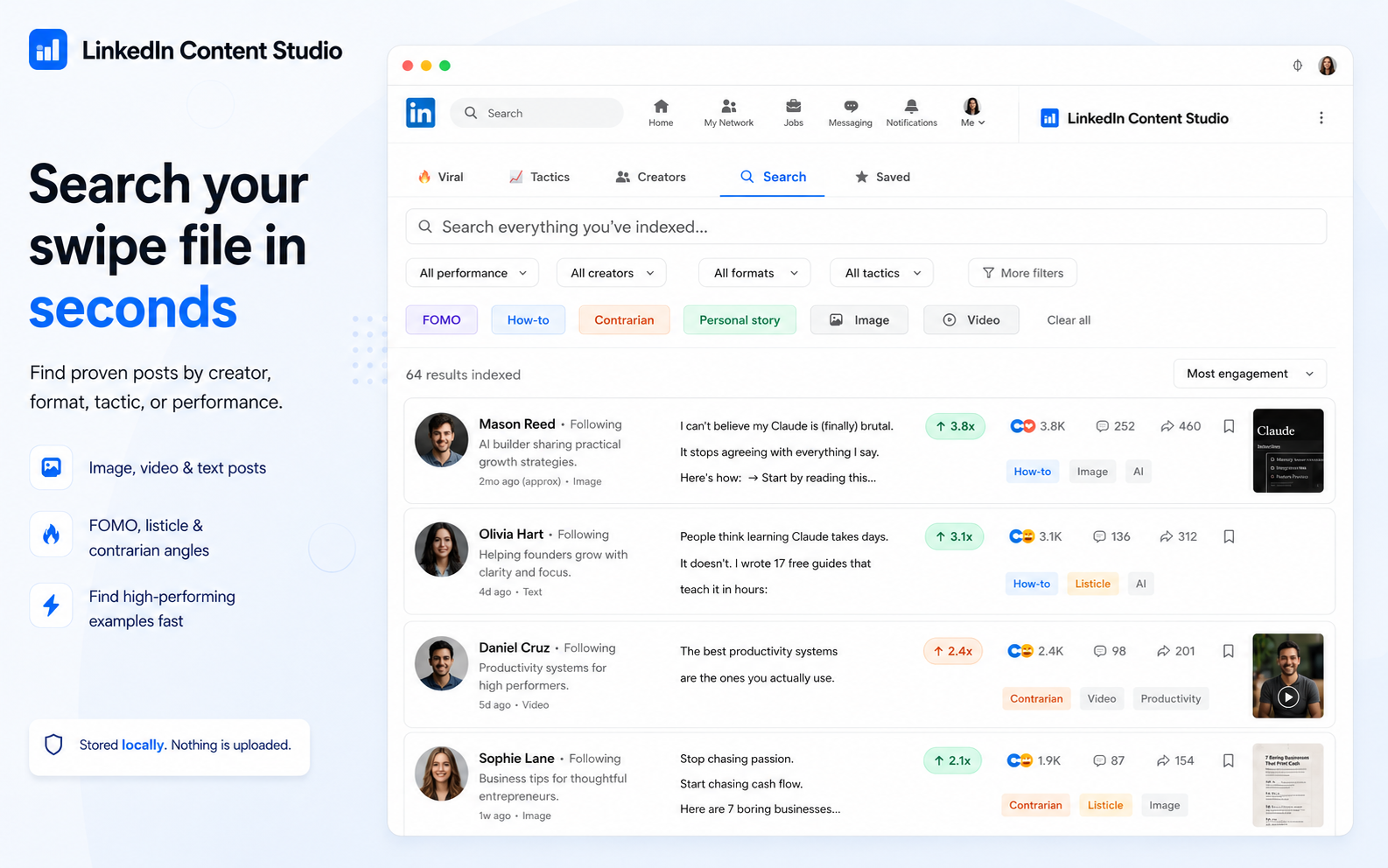
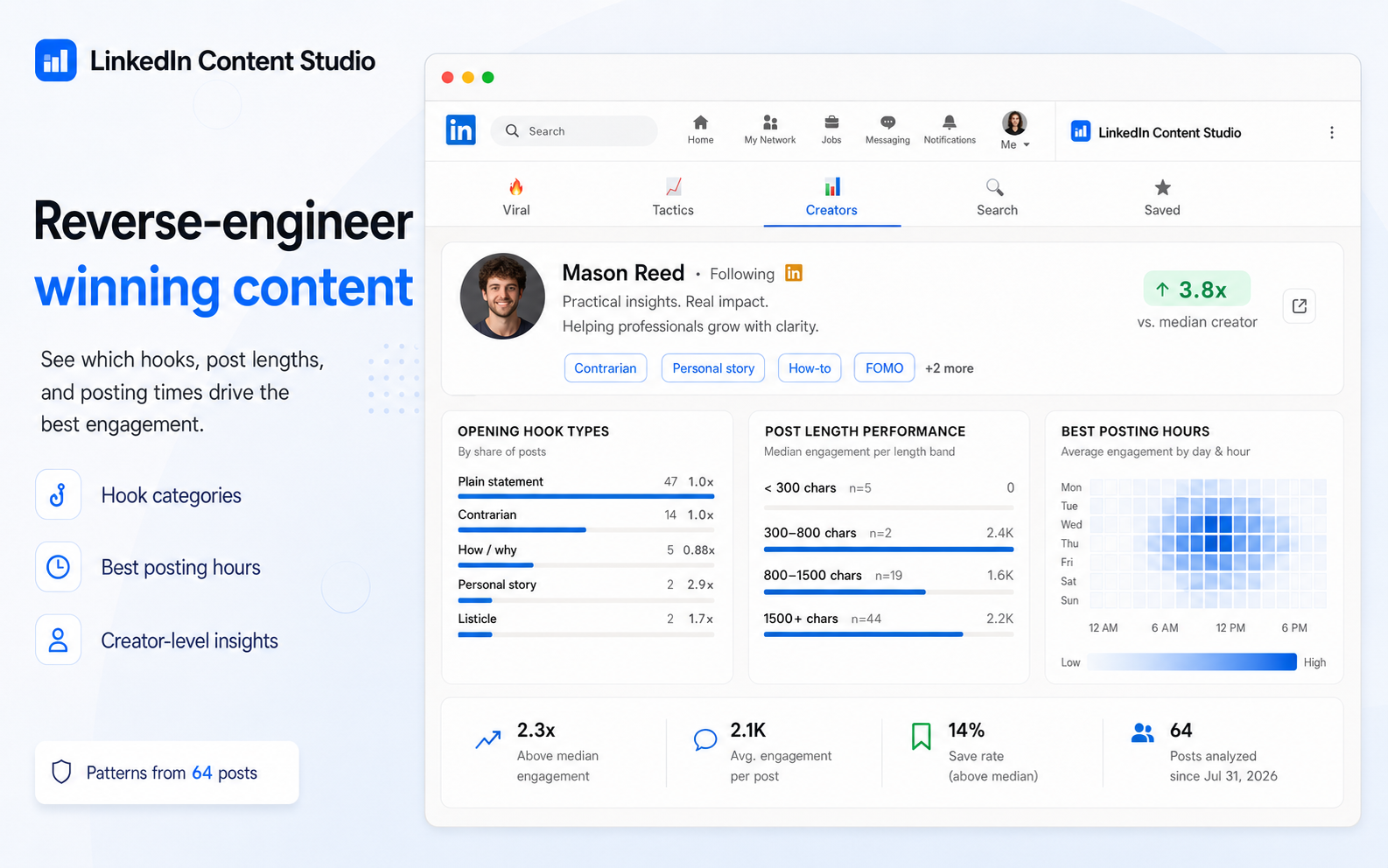
Capture top-performing LinkedIn posts as you browse, search your swipe file, reverse-engineer winning content and export AI-ready CSV or JSON — all stored locally.
Privacy Policy — Scrappy
This extension does not collect, transmit, sell, or share any user data. Posts that LinkedIn renders in your browser are indexed and stored locally on your device (IndexedDB) solely to provide search and analytics inside the extension. No data ever leaves your machine. No accounts, no tracking, no analytics, no third-party services. You can delete all stored data at any time from the extension's Settings (“Clear index” / “Delete everything”). Contact: tomsel1993@gmail.com
Frequently asked questions
- Where is my data stored?
- Everything is stored locally on your machine. Nothing is uploaded to any server.
- What can I export?
- Your indexed posts export as clean CSV or JSON files, ready to feed better examples into your AI writing workflow.
Related
Need this set up properly for your business?
I build analytics setups, marketing websites and custom tools for businesses that want reliable tracking and faster workflows.
Work with me